
Freelance Notion Systems
How are you going to organise your freelance work if you don’t have a system?
When freelancing begins, many people manage things in different places.
Client details in one note.
Tasks written somewhere else.
Payments tracked in another file.
At first it feels manageable.
But as more projects appear, things slowly become harder to track. Important details get lost, and managing work starts to feel messy.
That is usually when freelancers realise they need a simple system.

Simple systems built for freelancers
The systems in this section are built in Notion and designed to help freelancers organise their work in one place.
Instead of building your own workspace from scratch, you can start with a structure that is already set up.
These systems help you manage the important parts of freelancing so your work stays clear and organised.
What you can manage with these systems
With these Notion systems, you can:
• keep all client information in one place
• track projects and deadlines
• organise your daily freelance tasks
• record your freelance income
• follow a clear workflow for your projects
These tools are designed especially for beginner freelancers who want a simple way to stay organised.
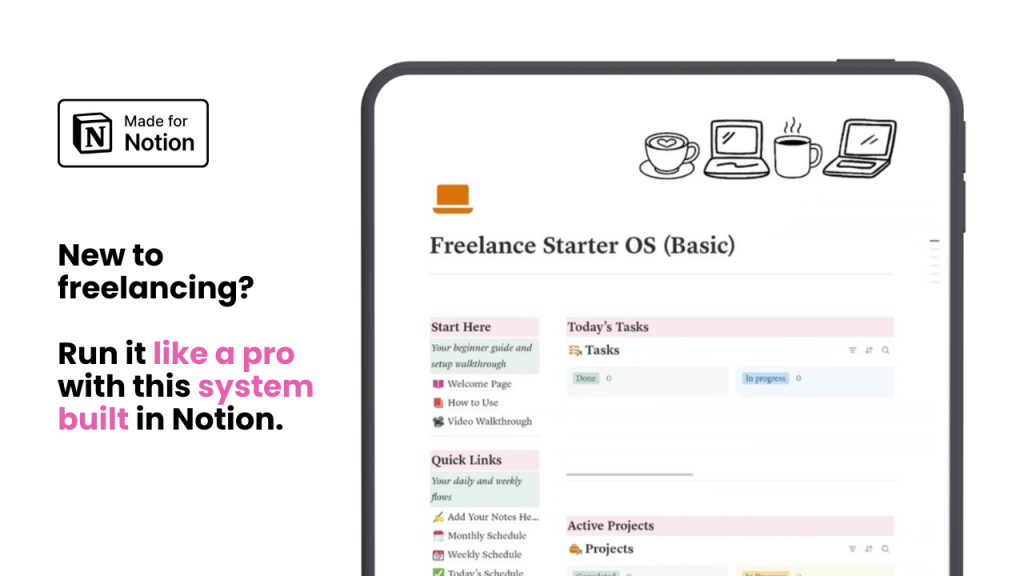
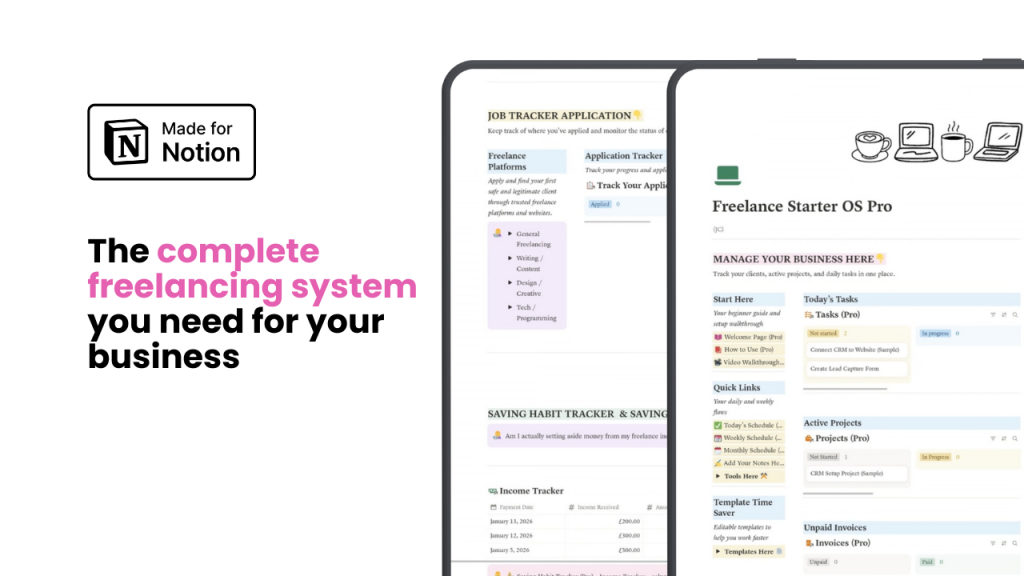
Choose the system that fits your work
The Freelance Starter OS systems below provide two options depending on how you want to organise your freelance work.
Both versions are designed to help you stay organised, track your progress, and manage your freelance business more smoothly.
Frequently Asked Questions:
Do I need a Notion account to use the Freelance Starter OS?
Yes. The Freelance Starter OS systems are built inside Notion, so you will need a Notion account before you can use them.
Once you have an account, you can duplicate the system into your own workspace and start organising your freelance work right away.
Is Notion free to use?
Notion offers a free plan that works well for many freelancers, especially when starting out.
You can use the free version to manage tasks, projects, notes, and databases without needing to upgrade.
Do I need advanced Notion skills?
No. The systems are designed to be simple and beginner-friendly.
Once you duplicate the system, you can start using it immediately and adjust it to match your workflow over time.
What happens after I purchase the system?
After your purchase, you will receive access to the Notion template.
You will be able to duplicate the system into your own Notion workspace and start organising your freelance work.