
Upwork Profile Checklist
Not Getting Replies on Upwork? Your Profile Might Be the Problem
Fix your profile with a simple checklist that shows you exactly what clients expect to see.
PROBLEM
Why Clients Are Ignoring Your Profile
- Your profile feels unclear or incomplete
- You don’t know what to write, so you guess
- You rewrite again and again with no results
- Clients scroll past without clicking
It’s not your skills.
It’s how your profile is presented.
SOLUTION
A Simple Checklist That Shows You What to Fix
Instead of guessing, you’ll follow a clear structure that helps you:
- Write a clean, easy-to-understand profile
- Highlight your skills properly (even as a beginner)
- Build something clients can trust quickly

WHAT YOU GET
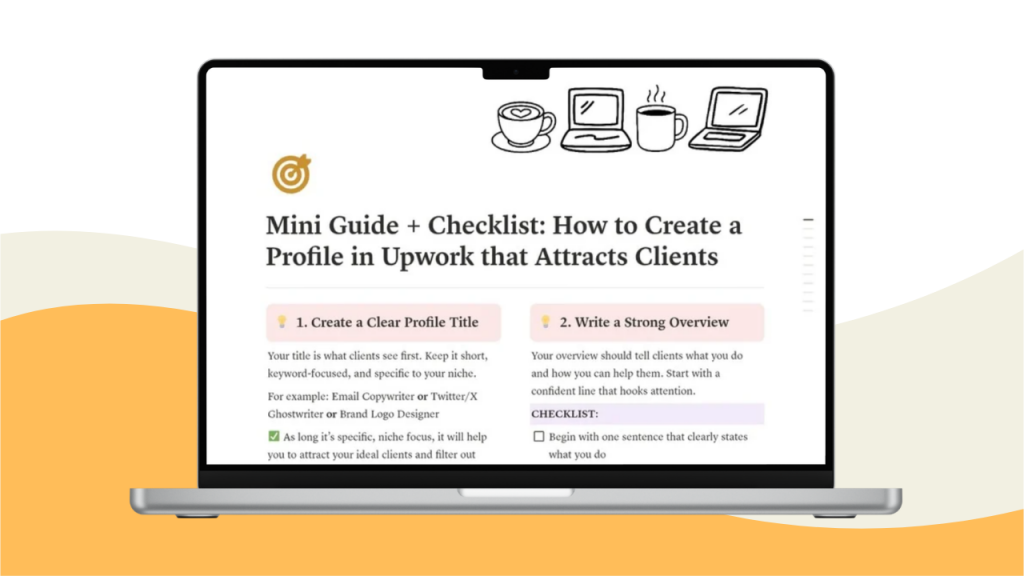
- Step-by-step Upwork profile checklist
- Guidance on what to include (and avoid)
- Beginner-friendly structure
- A faster way to go from ignored → considered
Stop Sending Proposals With a Weak Profile
You can send 50 proposals…
But if your profile isn’t clear, clients won’t take you seriously.
Fix this once. Move forward properly.
FAQ SECTION:
1. Is this for complete beginners?
Yes. This is designed for beginners who are setting up their Upwork profile for the first time or fixing an existing one.
2. Do I need experience to use this?
No. The checklist is structured so you can build a clear profile even if you’re starting from zero.
3. Is this a template or a guide?
It’s a checklist with guidance. You’ll know exactly what to include and how to structure your profile.
4. How will I receive the product?
You’ll get instant access after purchase, including a downloadable file with everything inside.
5. Will this guarantee I get clients?
No tool can guarantee that. But this will help you create a profile that looks clear, professional, and easier for clients to trust.
6. Can I use this more than once?
Yes. You can revisit and improve your profile anytime.
7. Do I need to use Notion?
Yes. This checklist is delivered as a simple Notion workspace that you can duplicate and use instantly.
If you don’t have a Notion account, you can create one here: